Estimated reading time: 2 minutes
Table of contents
5 Print Security Risks Hiding in Your Office
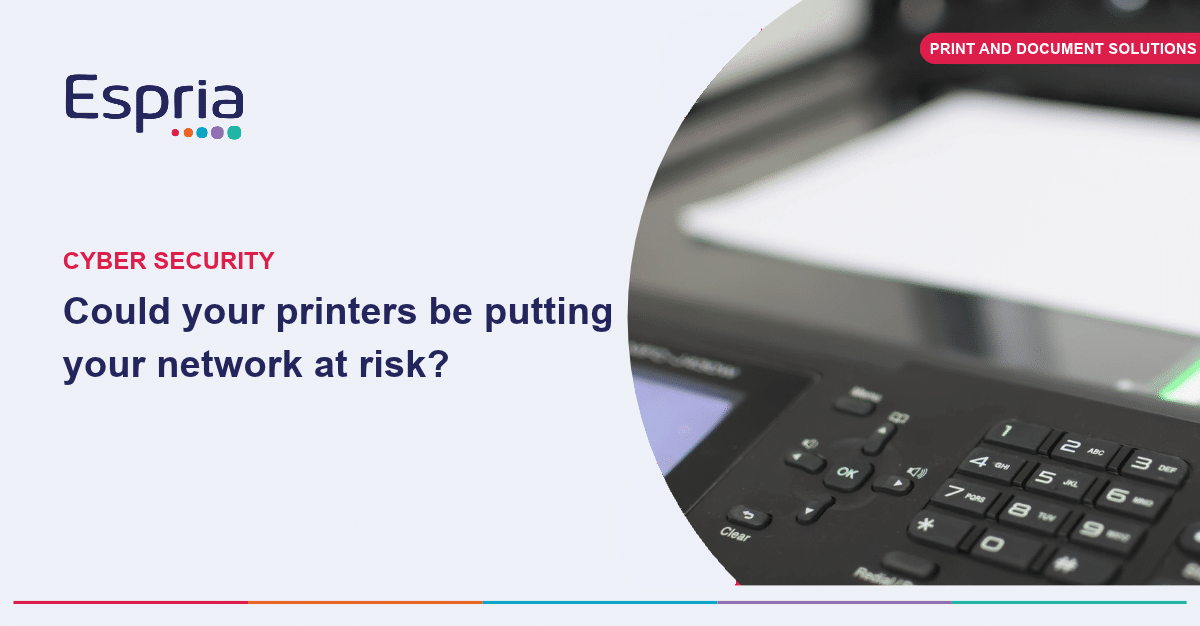
Following on from our earlier piece on printers as network endpoints, it is worth being specific about what actually goes wrong. These are the five risks we see most often when we assess a print fleet for the first time.
The five print security risks to look out for
1. Default or shared admin passwords. Many devices are still running the password they arrived with, often known publicly for that model.
2. Unsecured print queues. Documents sitting in a print queue, or printed and left uncollected in a tray, are visible to anyone walking past.
3. Data left on the hard drive. Multifunction devices store scanned and printed documents on an internal drive that is rarely wiped or encrypted.
4. Outdated firmware. Printer manufacturers release security patches in the same way as any software vendor, but printers are rarely included in a patching schedule.
5. Open network ports and protocols. Printers often expose services that are not needed, each one another possible route in.
You may not need to replace your printers
None of these require replacing the device. They require someone to check for them, and to keep checking as new vulnerabilities are found, which is exactly the gap a managed print service is designed to close, regardless of the make of printer on the network.
Has anyone actually checked your print environment?
For a business without a dedicated IT manager, the honest question to ask is: has anyone ever actually looked at this?
When was the last time somebody checked your printers for security risks?
Get in touch with our team to take a closer look at your print environment.