SharePoint online
With colleagues working from different locations, it can be challenging to host, distribute and manage valuable documents, files and information seamlessly and securely.Microsoft SharePoint Online allows you to share and manage content, knowledge and applications with ease; empowering teamwork with dynamic and customisable areas for every project team, department, and division. Collaborate effortlessly with team members inside and outside your organisation across PC, Mac, and mobile devices with peace of mind.

Why use SharePoint online?
Microsoft SharePoint Online is a mobile-friendly, user-friendly web-based application for Intranet (internal internet) and cloud document storage solutions. SharePoint Online makes communication and collaboration simple and effective without the need for on-premises storage.
SharePoint Online is divided into three hubs: Newsfeed, OneDrive and Sites, all of which can be optimised or configured for mobile devices. The flexible document storage in SharePoint Online supports easy filter, search and view options to ensure the individual needs of your staff are met. Additionally, SharePoint Online gives you a central intranet location to create and communicate visually appealing information across the business.
SharePoint Online includes many great security features to guarantee data security, as well as, providing document version control, e.g. for meeting compliance policies.
What is SharePoint quickstart?
Following a number of years’ working with our clients to understand their initial SharePoint requirements, we have identified a common theme in their requirements:
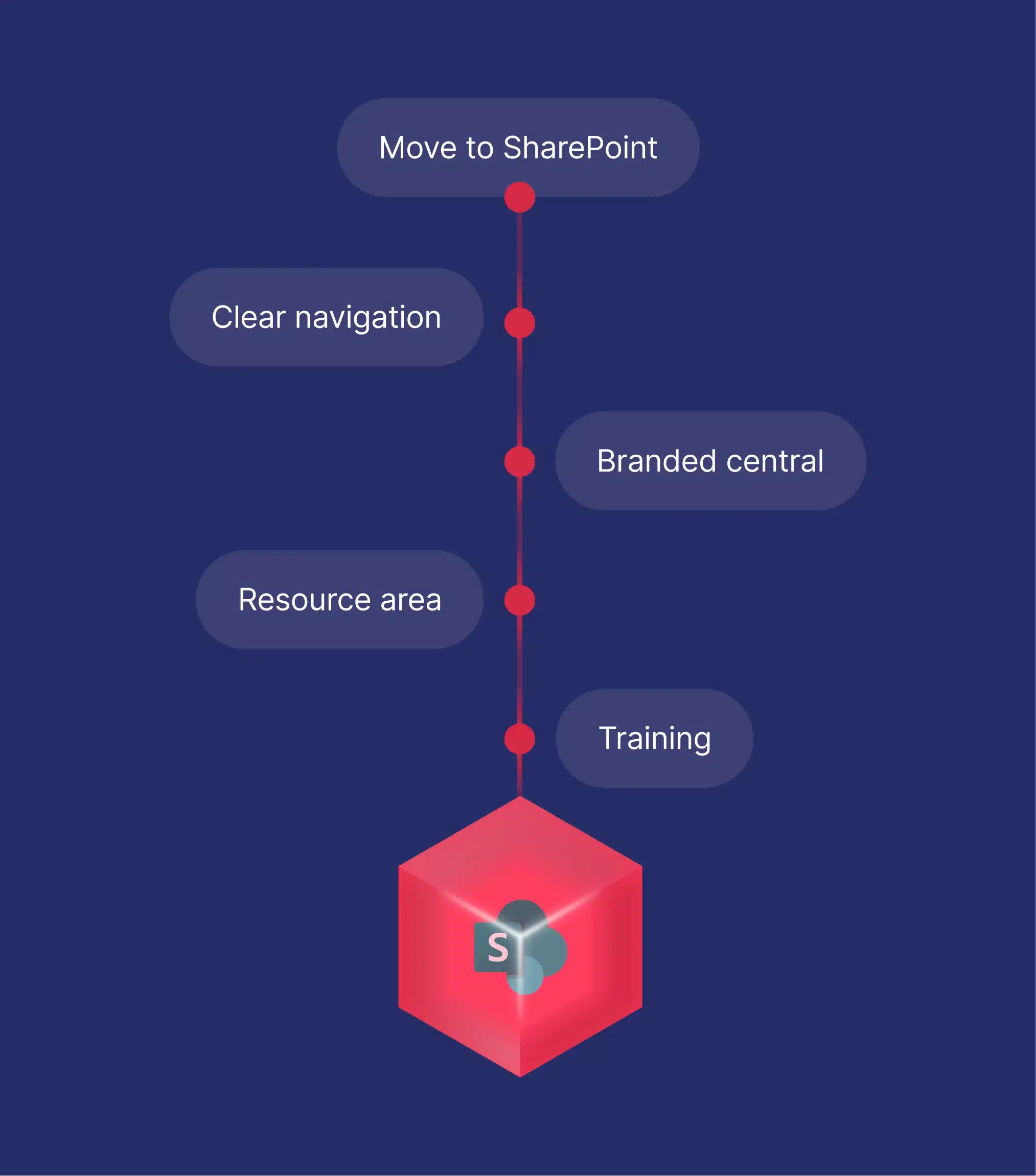
- A branded central area for company news and information
- Access to company resources, such as HR forms & benefits information
- Access to external links such as payroll and expense applications
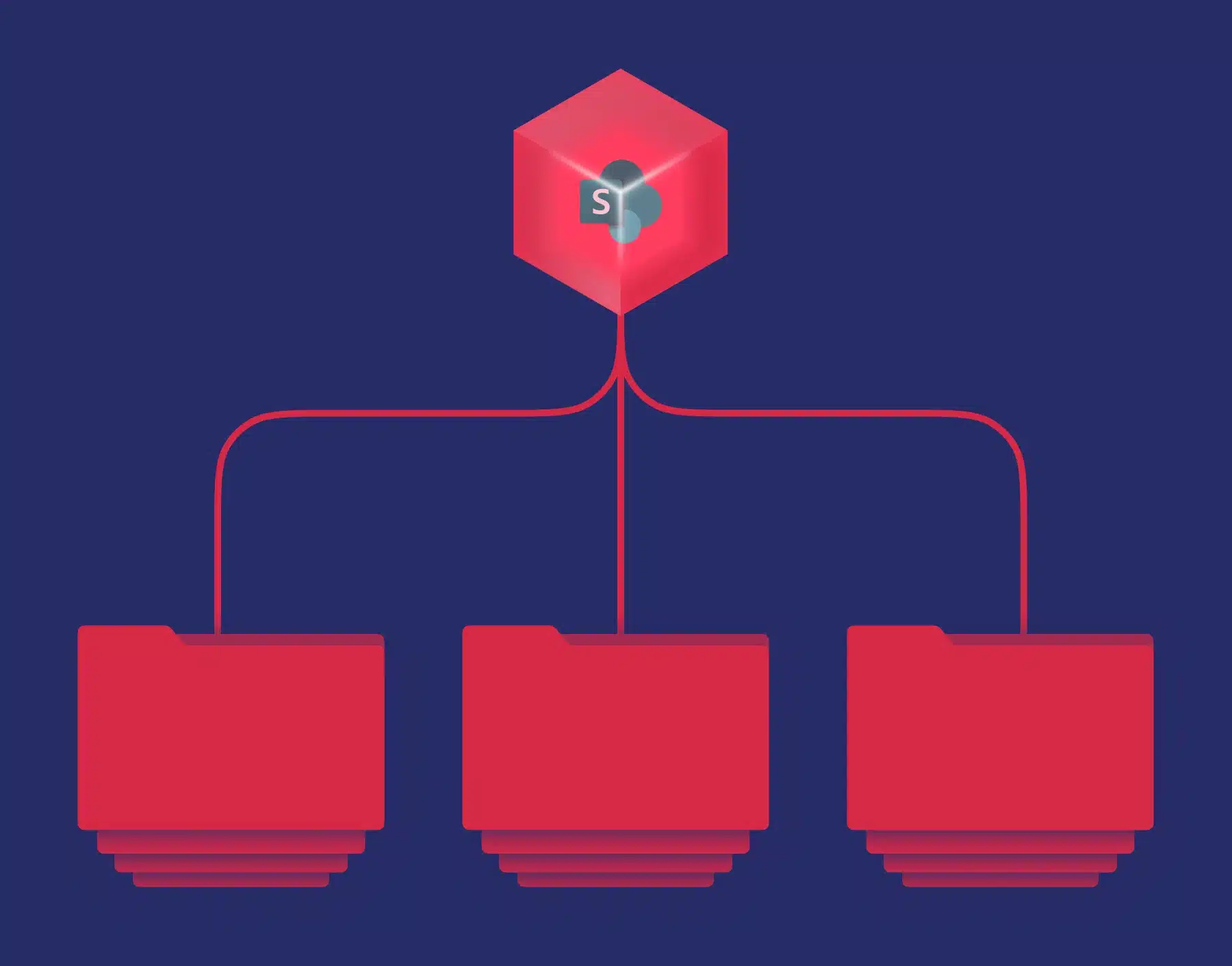
- A clear, easy to navigate, document library structure
- Training to ensure administrators & staff can make the most out of SharePoint
Espria has therefore developed SharePoint QuickStart to support this initial configuration. SharePoint Quickstart is designed to provide a foundation for businesses to quickly benefit from the core technologies and empower their team collaboration.
Contact our team for a review of your current setup and requirements.
Benefits of SharePoint

Application
integration
SharePoint Online integrates with other Microsoft Office 365 applications such as Outlook and Teams, improving efficiency and communication.

Improved communication
As well as supporting document management and collaboration, SharePoint Online can serve as a company intranet to deliver announcements, updates and company information.

Advanced
security
SharePoint Online security features include document versioning control to help prevent unauthorised access to sensitive information and files.

Mobile
capabilities
Access SharePoint Online from anywhere with full mobile device capability, perfect for hybrid and remote workforces.
Explore our case studies
Supporting the NAHT remotely
Founded in 1897 as the National Federation of Head Teachers’ Associations, in 1906, the organisation became the National Association of Head Teachers,…
Read the story
City Hire
City Hire is an independent tool and plant hire company supplying the construction industry since 1989. With a focus on high-quality equipment,…
Read the story
Team17 – Using Power BI to Improve Reporting & Business Decision Making
A multi-award-winning video game development company got in touch with Espria to discuss improving their reporting and utilisation of their data.
Read the story
Unlock your IT’s potential
We solve today’s challenges and build lasting value with tailored IT support and integrated ecosystems. With time back in your hands, you can focus on what truly matters.
CGT form 1110 (script disabled on staging)
Explore all of our IT capabilities
From everyday IT services to project delivery, our solutions flex and scale to meet your needs.

Managed services
Transition your IT management for tailored solutions that allow your team to focus on core priorities.

Project delivery
Switch to expert-led project delivery for guaranteed results across your digital transformation needs.
Flexible resource
Bridge skills gaps with cost-effective specialists that integrate with your team to impart knowledge and drive success.

Technology purchases
Optimise IT investments with smarter hardware and software tailored to you.