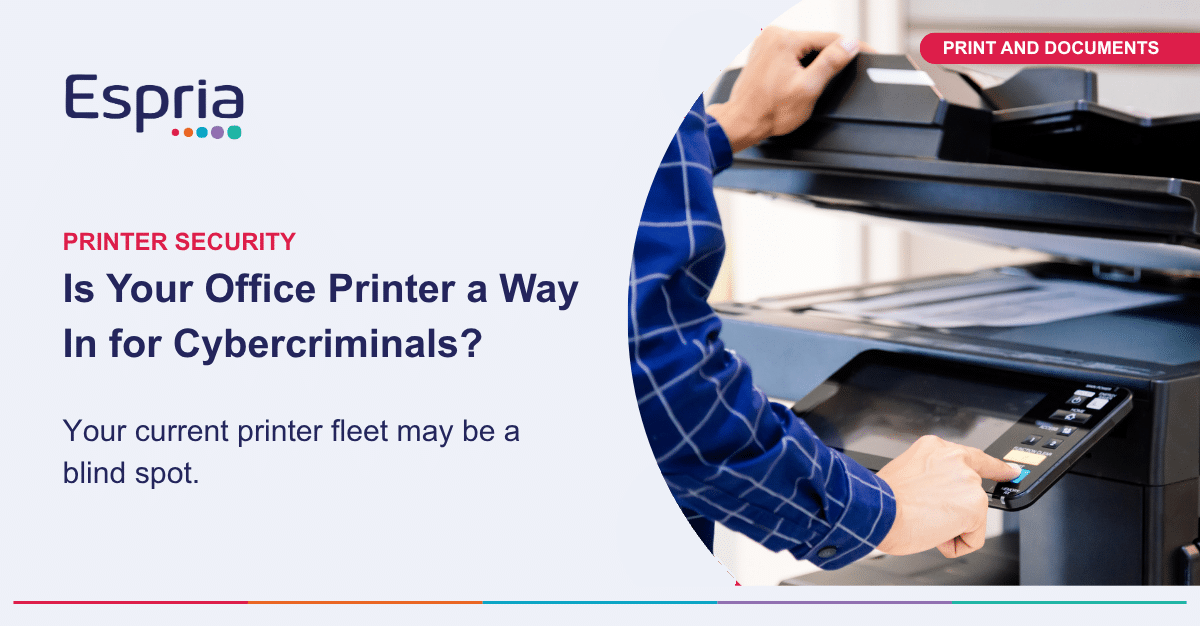
Most small businesses think of cyber security as a laptop problem, a server problem, or an email problem. The office printer rarely gets a mention, yet it is connected to your network, holds a hard drive, and processes some of the most sensitive documents in the business, from invoices to HR letters and client contracts. However, it is important to realise that office printer vulnerabilities can be exploited by cybercriminals, potentially leading to cyber attacks.
A modern multifunction printer is a computer. It has an operating system, a network connection, often Wi-Fi, and increasingly a web-based control panel that can be accessed remotely. If it is left on factory default settings, unpatched, or forgotten about when IT policies are reviewed, it becomes an open door for cybercriminals looking to launch cyber attacks using an unsecured office printer.
For a business of ten, twenty, or forty people, this is not a hypothetical concern. Attackers use automated tools that scan for exposed devices on the internet, including printers, looking for default passwords or known vulnerabilities. Once inside, a compromised printer can be used to intercept documents, move further into the network, or simply sit as a foothold for a wider attack. In fact, an office printer can unwittingly aid cybercriminals in executing cyber attacks on your entire IT infrastructure.
The organisations most exposed are often the ones without a dedicated IT manager, where the printer was set up by whoever unboxed it, and nobody has looked at it since.
The good news is that closing this gap does not need to be complicated:
• Change default admin passwords and disable unused protocols
• Keep firmware up to date, in the same way you would patch a laptop
• Restrict who can access print queues and scanned documents
• Encrypt data stored on the printer’s hard drive
• Include printers in vulnerability scanning, not just PCs and servers
This is exactly why we treat printers as endpoints within our managed print service, whichever brand of device sits in your office. Security should not depend on whether you have somebody in-house watching for it. For all organisations, protecting your office printer from cybercriminals helps reduce the risk of cyber attacks.
If you are not sure whether your current printer fleet is a blind spot, it is worth asking your IT provider or print supplier a simple question: when did somebody last check?